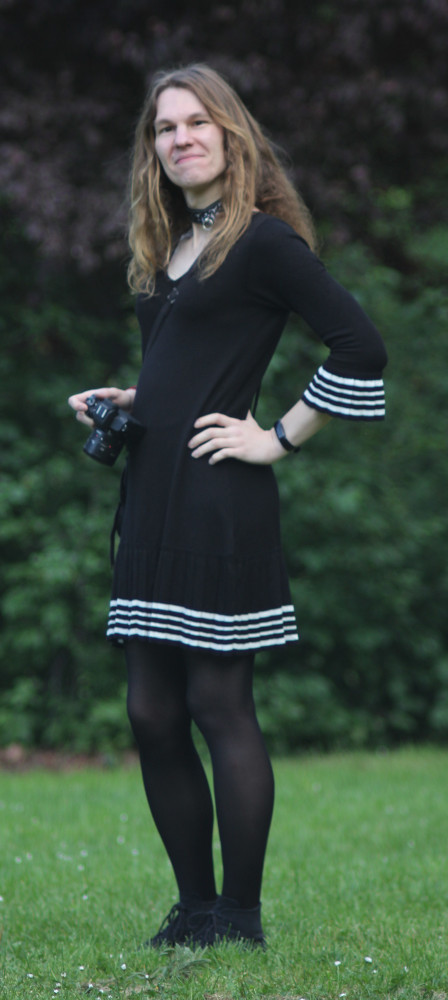
You have reached the personal homepage of an entity commonly known as derf / derfnull / Birte Friesel. Hi! 👋
If you are looking for the more professional side of me, you may take a look at my Publications (see below) or head directly to my work homepage: Dr. Birte Kristina Friesel @ Universität Osnabrück
Resources
- Photography
- Projects
- Publications (see also: ESS, ORCID, DBLP, Google Scholar)
- Recipes
- Repositories (partial mirrors: Codeberg, GitHub)
- Weblog (Fediverse Microblog: @derf@social.skyshaper.org)
- Whatever
Contact
You can reach me by E-Mail (derf@finalrewind.org) and on IRC (derf0 @ OFTC, hackint). My PGP key for E-Mail encryption is 64FE6EC0 55560F9E F13A3044 19E6E524 EBB177BA. I occasionally post stuff on the Fediverse (@derf@social.skyshaper.org).
The remainder of this page duplicates a curated sub-set of projects and the latest blog entries.
Projects
> dbris 'Eichlinghofen H-Bahn, Dortmund' 'Dortmund Hbf'

19.01. 16:51  (00:21)  17:12   .  Bus  S

Bus 440 → Oespel S-Bahnhof, Dortmund
16:51 (+1)  ab  Eichlinghofen H-Bahn, Dortmund
16:56 (+1)  an  Oespel S-Bahnhof, Dortmund

Fußweg 46m  (≈ 3 min.)
S 1 → Dortmund Hbf   .
17:01 (+5)  ab  Dortmund-Oespel  2
17:12 (+2)  an  Dortmund Hbf  7
> hafas 'Eichlinghofen H-Bahn, Dortmund' 'Dortmund Hbf'

00:15        Schw-B HB5  (0:03)  S 1

Schw-B HB5 → Universität S-Bahnhof, Dortmund
21:51  ab  Eichlinghofen H-Bahn, Dortmund
21:55  an  Universität S-Bahnhof, Dortmund

Walk 37m  (approx. 3 minutes)
S 1 → Dortmund Hbf
21:58  ab  Dortmund Universität: 2
22:06  an  Dortmund Hbf: 4
> efa Essen Martinstr Düsseldorf Hbf
14:34 ab  Essen Martinstr.: Bstg. 1      Straßenbahn 108      Essen Altenessen Bf Schleife
14:38 an  Essen Hauptbahnhof: Bstg. 1

14:47 ab  Essen Hauptbahnhof: 2          R-Bahn RE11 (RRX)    Düsseldorf Hbf
15:24 an  Düsseldorf Hbf: 10
> dbris-m 'Bochum Hbf'
06:39  ( +7)   ICE 843                             Berlin Hbf  5
06:39  ( +7)   ICE 853                             Berlin Hbf  5
06:51  (+19)       S 1                              Essen Hbf  7
06:37  ( +1)   ICE 527                            München Hbf  3
Zug fährt abweichend mit nur einem Zugteil. Die Wagen 31 - 39 entfallen.
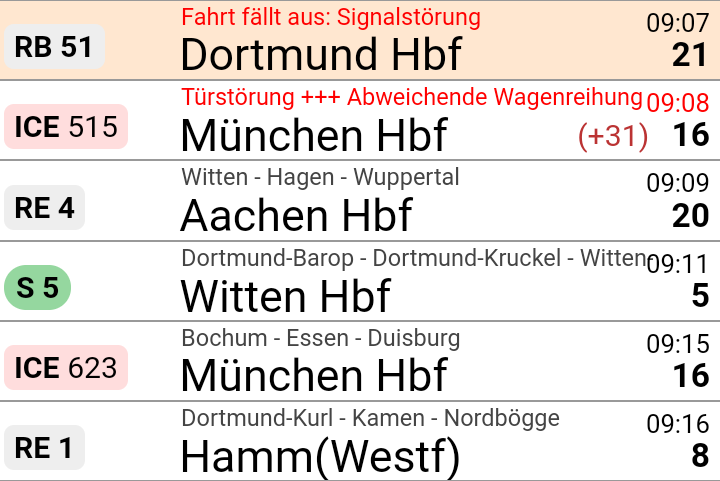
> hafas-m 'Hamburg Dammtor'
13:49  ( +1)  RE 7     Flensburg                  3
13:49  ( +1)  RE 7     Kiel Hbf                   3
13:49         S 5      Buxtehude                  2
13:50  ( +4)  Bus 5    Nedderfeld, Hamburg
13:50         U 1      Ohlstedt, Hamburg
> efa-m -s VVO Dresden Hbf
13:40 ( -2)  5      66           Lockwitz
13:41        3      3         .  Wilder Mann
13:44        4      3         .  Coschütz
13:44        6      66           Freital-Deuben
13:46 ( +4)  6      360          Kurort Altenberg Bahnhof
13:46        5      360          Dresden Ammonstraße / Budapester Straße
13:48 ( +1)  1      7         *  Weixdorf
13:51        1      10        .  Tolkewitz
13:52        Gl.10  RE3          Hof Hbf

News
Travel::Status::DE::VRR v3.21
Travel-Status-DE-VRR-3.21.tar.gz (signature)
- Update BEG backend URL
Travel::Status::DE::DBRIS v0.34
Travel-Status-DE-DBRIS-0.34.tar.gz (signature)
- Update rolling stock models and train names (patches by Lili Urban)
Travel::Status::DE::DBRIS v0.33
Travel-Status-DE-DBRIS-0.33.tar.gz (signature)
- Formation: Catch invalid UIC IDs before parsing
In early July/August 2026, dm2lct and I spent a tad over a week in the Tatra Mountains, specifically in the Western Tatras (Tatry Zachodnie) with some excursions into the High Tatras (Vysoké Tatry). This is a direct follow-up to last year's Karpacz / Giant Mountains trip – we were hungry for more mountain hiking, and oh boy did we get what we asked for. But more on that later.
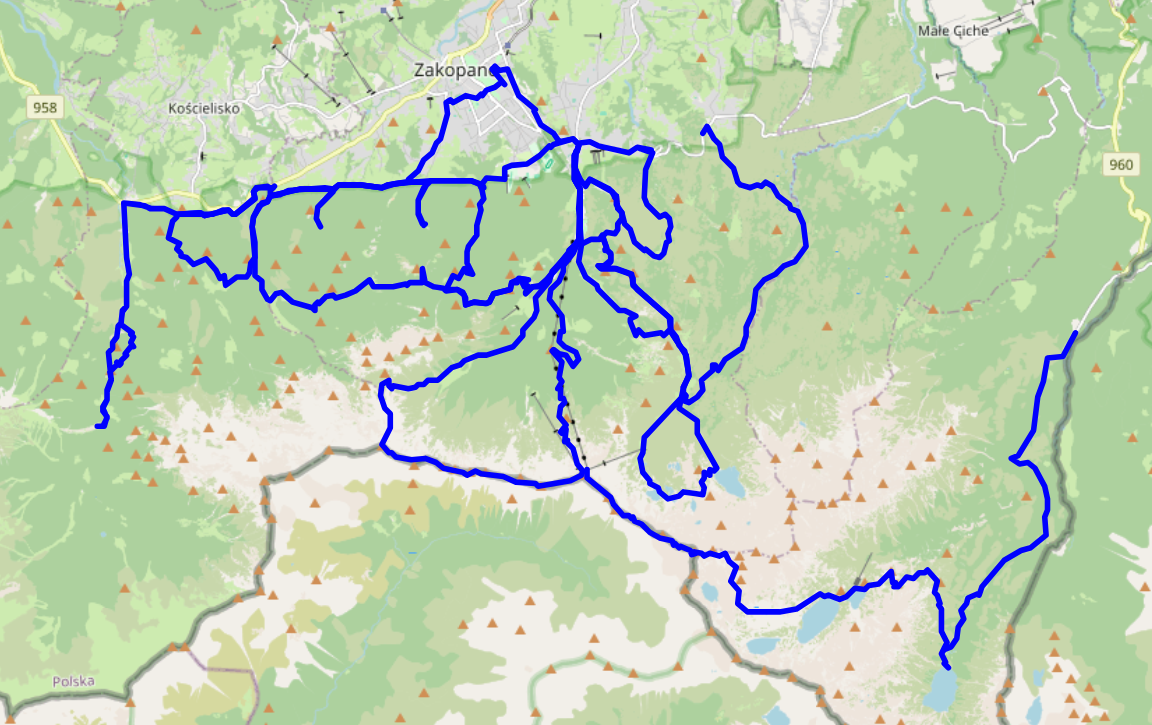
Just like last year, we chose a town right at the foot of the mountains as our home base: Zakopane, which sits at a comfortable 700 to 950 metres of elevation, nestled between the Żywiec Beskids in the northeast, the Gorce Mountains in the northwest, and the Western Tatras in the south. The former two are also nothing to sneeze at: Babia Góra (Żywiec Beskids) reaches 1,700m, and Turbacz (Gorce Mountains) still 1,300m. However, with to up to 2,500m of peaks within walking distance of Zakopane (and a tad more beyond), the Tatras definitely win.
We got a room in Zakopane Bystry, right at the edge of the Tatra National Park (TPN / Tatrzánski Park Narodowy) and situated at 940m of elevation, making the start of our trips much easier at the cost of occasionally having to venture into town for dinner in the evening. Overall, I'd say this was a good idea – being able to skip an hour of walking through town in the morning (and the associated 100 to 200 m of climb) is very nice. The only downside is that Zakopane is very much situated in the Western Tatras and not that close to the High Tatras. But it's not like those didn't have enough to offer to fill one or two weeks – plus, there is a frequent (every 5 to 10 minutes) and reasonably affordable bus service to Dolina Białki / Morskie Oko, and thus the High Tatras.
Also, Zakopane is a very pretty (and clean!) town, including a special local architecture style that reminds me a bit of Swiss alp huts. So if you've ever got a day to fill outside of the mountains due to inclement weather or because you simply need a pause, you likely won't be bored.
Tatra Mountains
Compared to the Giant Mountains, the Tatras are everything turned up to eleven: higher peaks, steeper climbs, and overall more demanding terrain and trails. We quickly learnt that we should aim for about 20 km of mountain hiking per day and not the 25 to 30 km we were used to from the Giant Mountains. Whereas trails in the Western Tatras are typically rated SAC T2 (“mountain hiking”), mountaintop and ridge line trails in the High Tatras are frequently classified as T3 (“demanding mountain hiking”) to T5 (“demanding alpine hiking”). By comparison, most trails in the Giant Mountains fall into the T1 to T2 categories (if classified at all – even the ridge line is pretty tame), with very few exceptions that are rated T3 or T4.
In any case, there isn't much that compares to climbing a 2,300m high peak in order to look down into the 1,500m valley (and 1,700m ridge) that you traversed just a few days ago, with Zakopane (<1,000m) in the distance, and the Slovakian valley holding Poprad also visible across the next ridge. I'm fairly sure that I'll return sooner rather than later. After all, I've now got Orla Perć on my bucket list.
The Tatras are also very very beautiful, in large parts thanks to TPN and its very sparse set of hiking routes and mountain huts. Most of the time, you'll have untouched nature as far as the eye can see, ranging from forests over pastures and lakes all the way to barren mountain peaks.
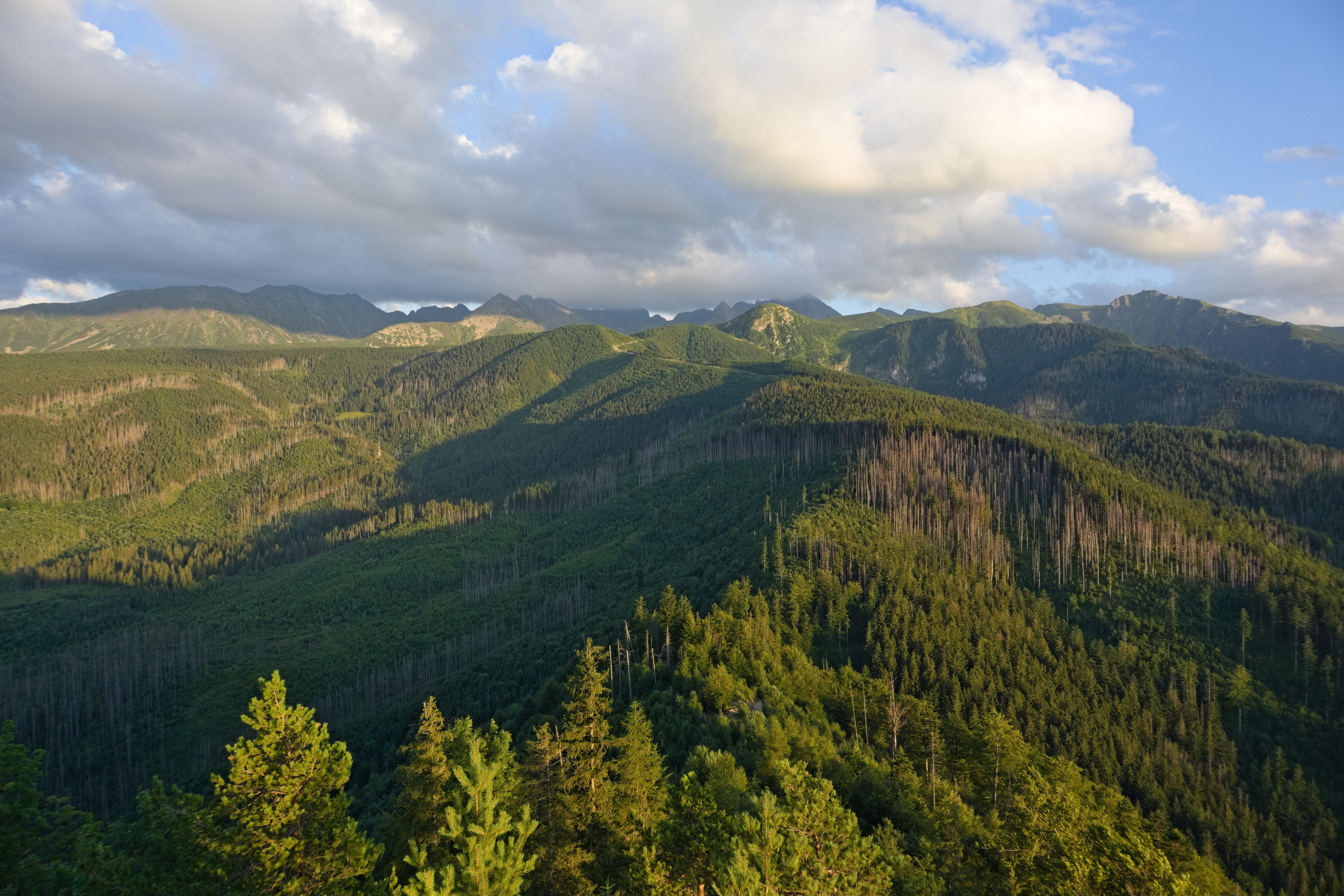
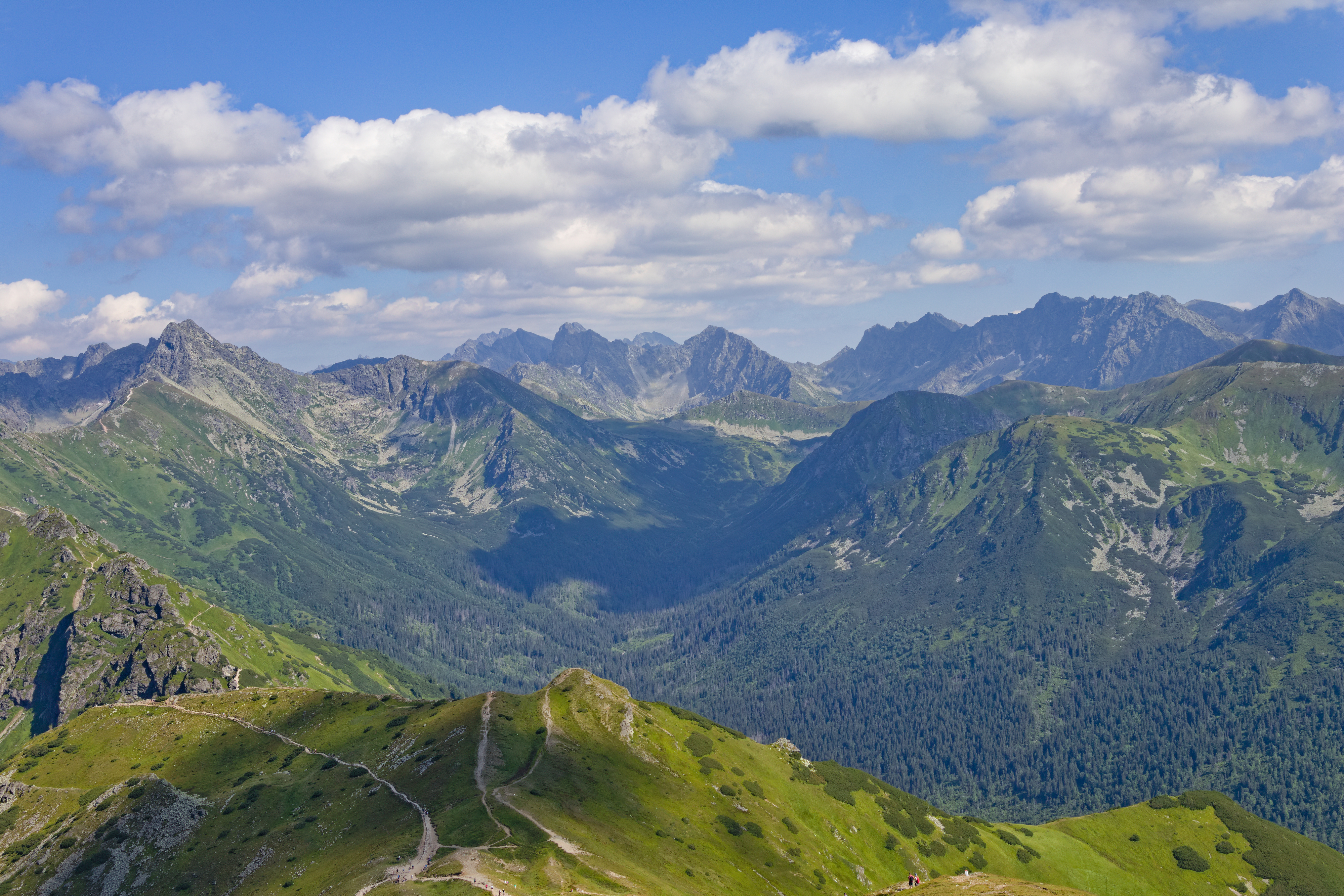
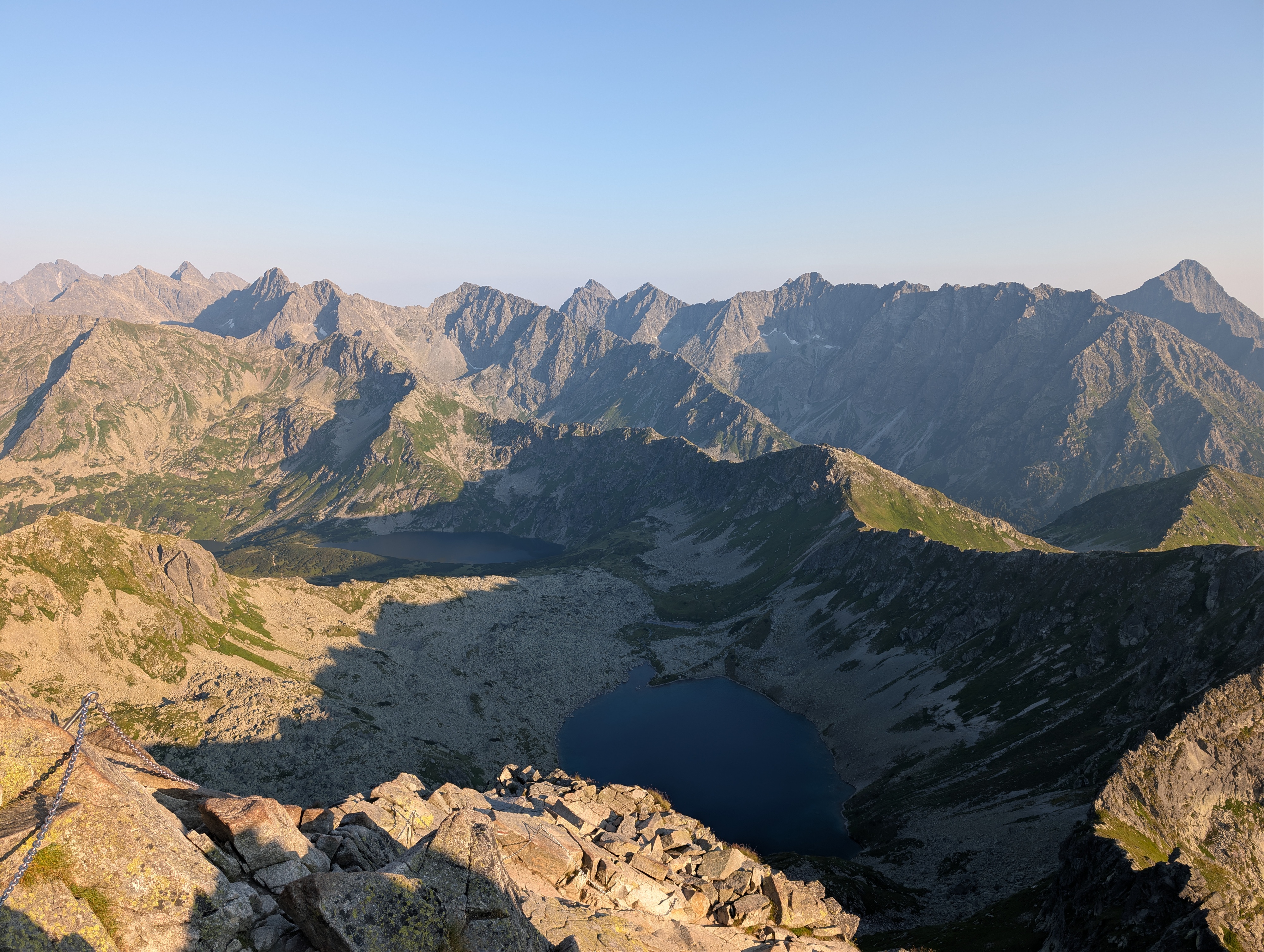
I'll publish notes detailing our individual trips over the next few months. In the meantime, you can also explore photo galleries of our individual trips.
- 28.07.2026: Nosal (quick evening hike after we had arrived at our room)
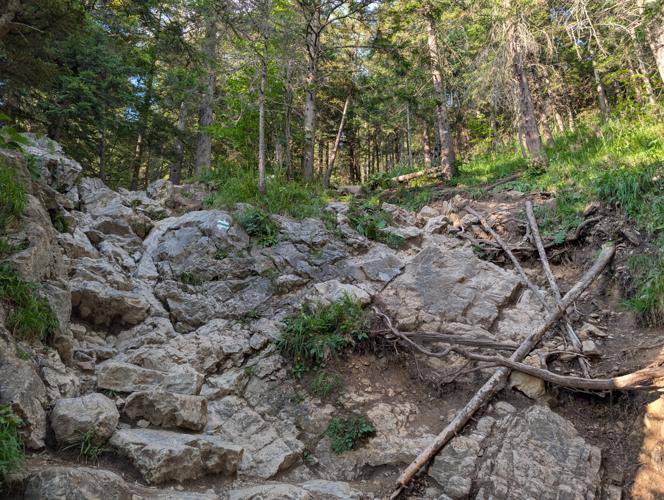
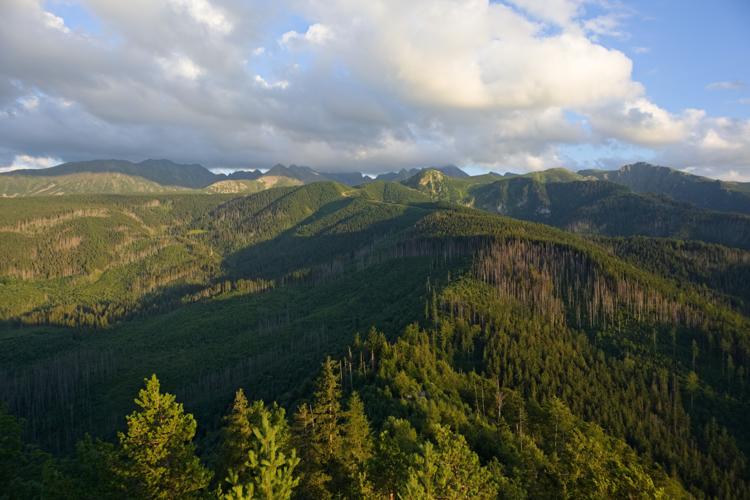
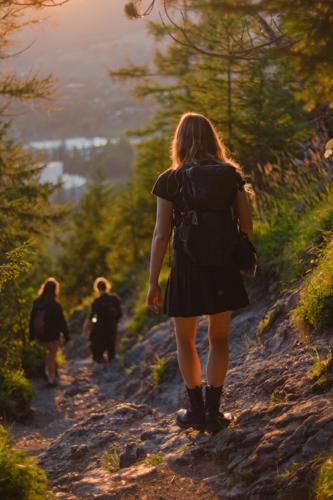
- 29.07.2026: Kopa Kondracka → Kasprowy Wierch (along the main ridge of the Western Tatras)
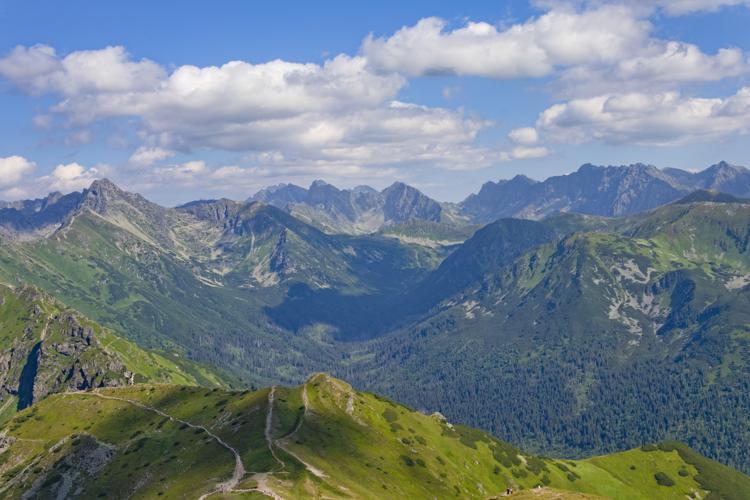
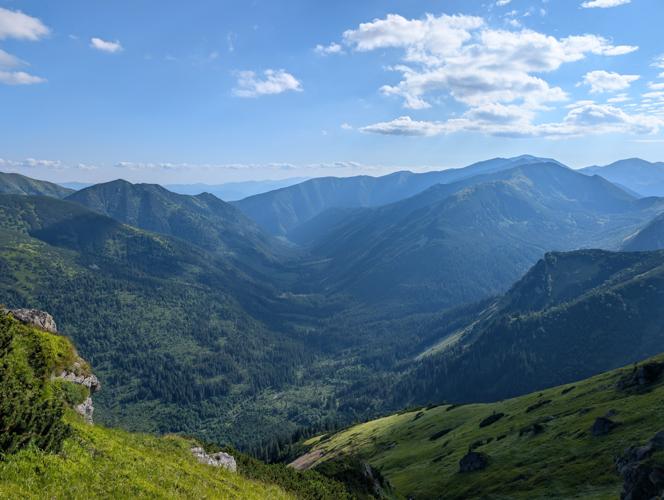
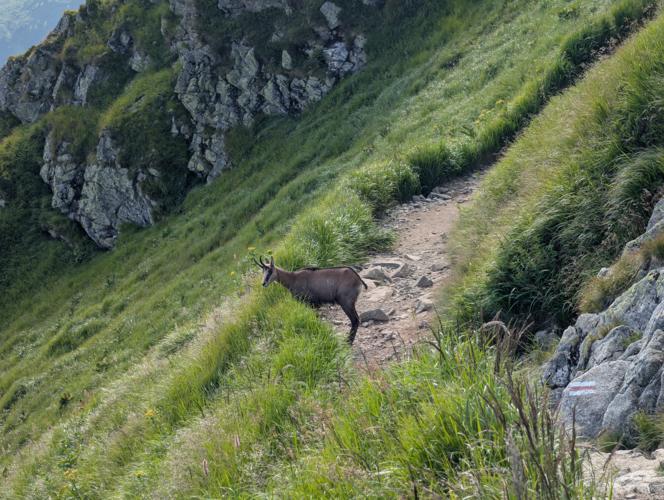
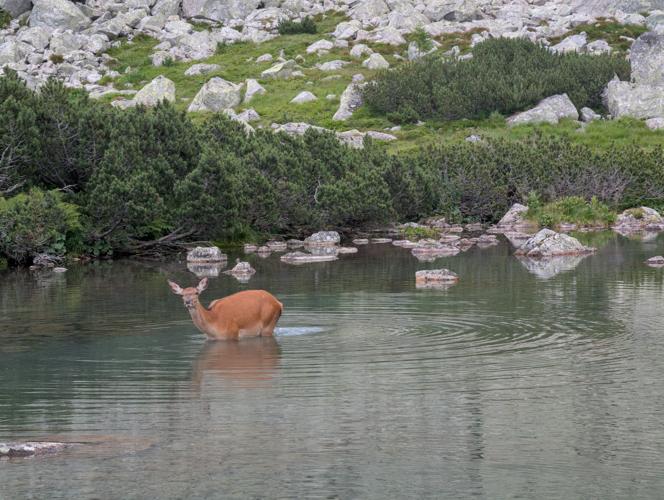
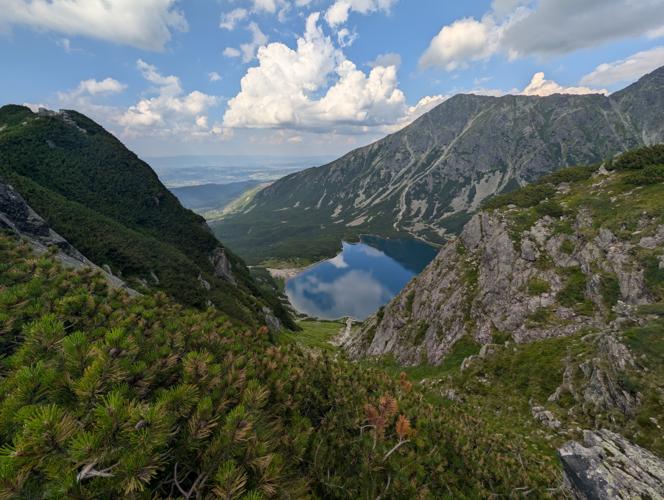
- 30.07.2026: Hala Gąsienicowa / Mały Kościelec (valley and lakes at the conjunction of Western Tatras and High Tatras)
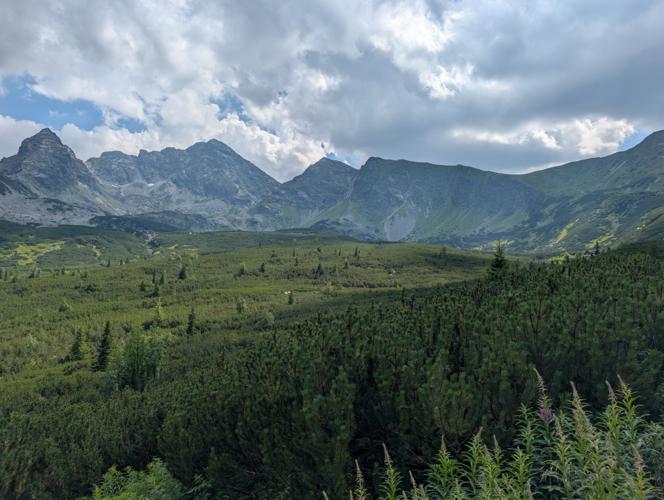
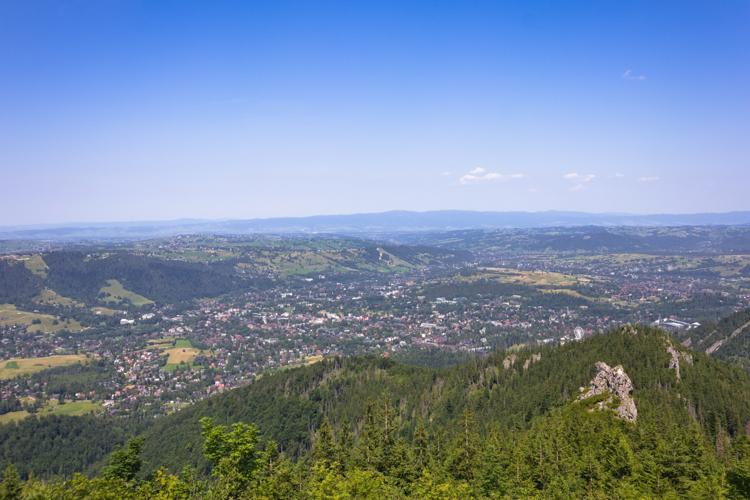
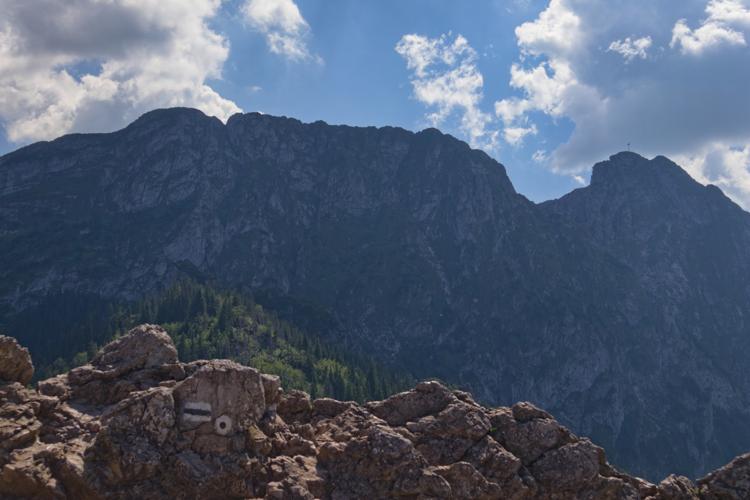
- 31.07.2026: Sarnia Skała (Tatra foothils close to Zakopane – there was a thunderstorm warning on that day)
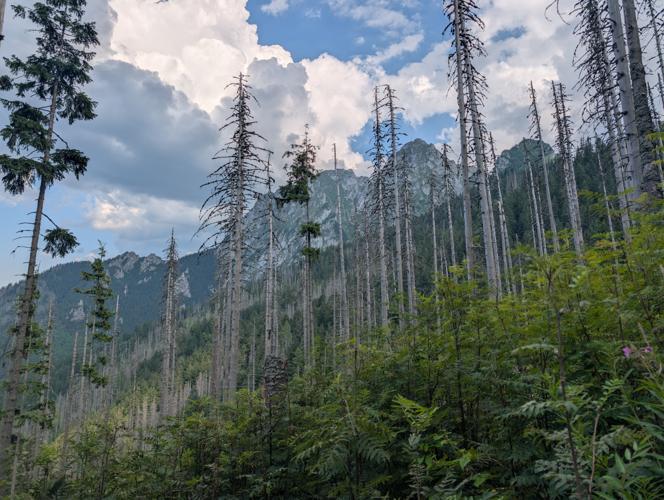
- 01.08.2026: Dolina Suchej Wody (a surprisingly bland valley in the eastmost part of the Western Tatras)
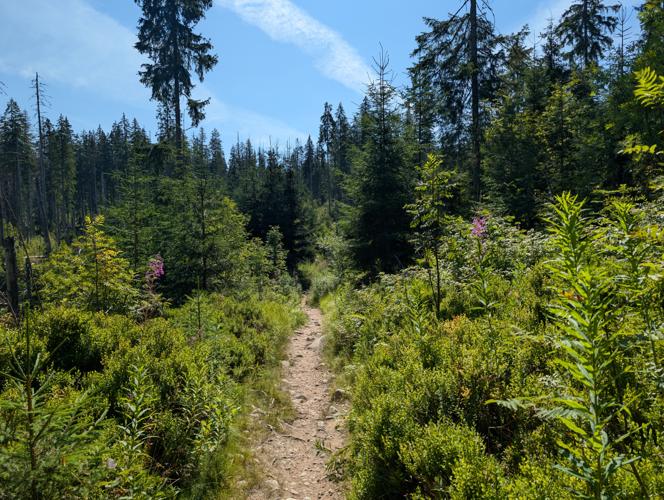
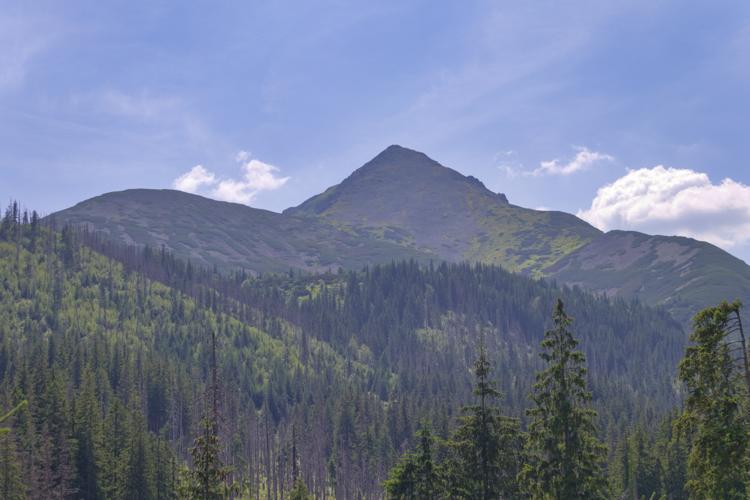
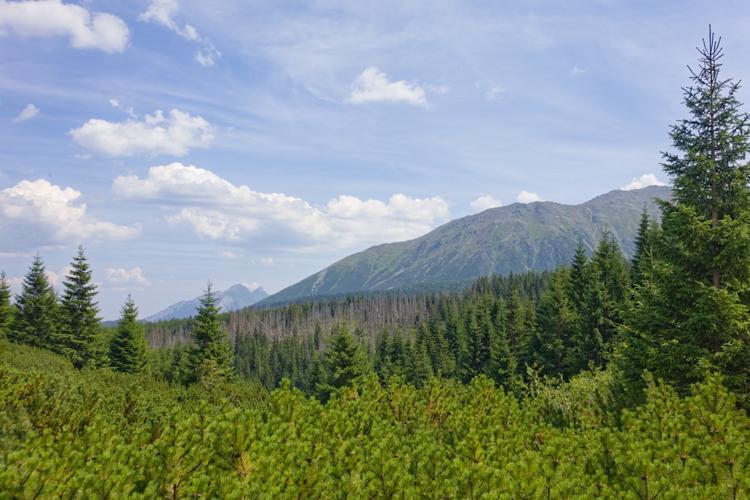
- 02.08.2026: Dolina Olczyska (short hike featuring a spring with an impressive amount of flow, and another thunderstorm warning)
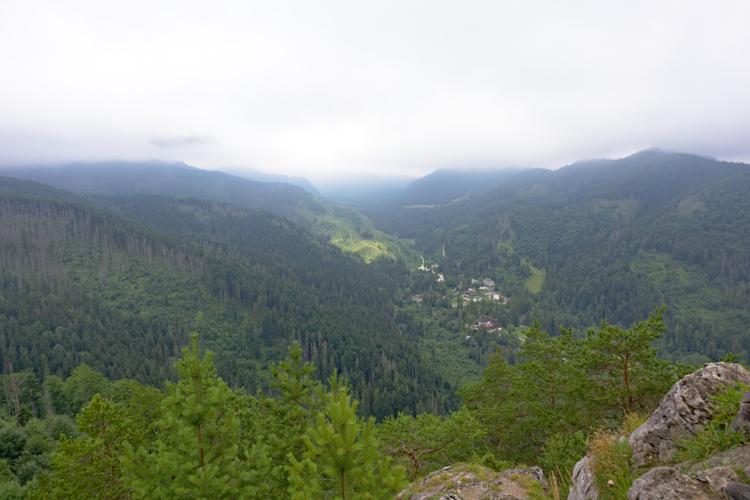
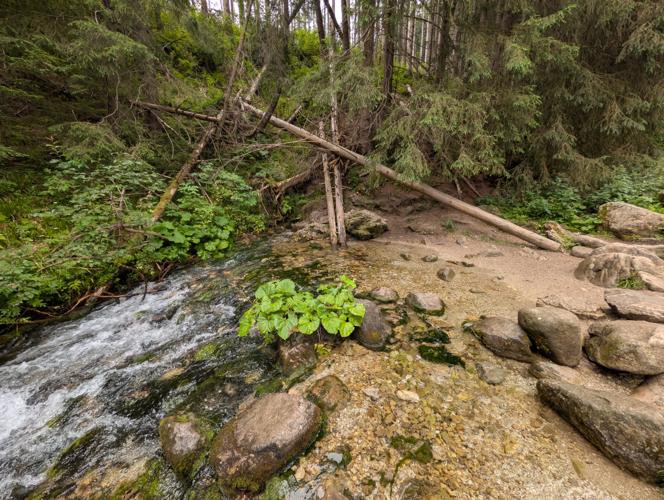
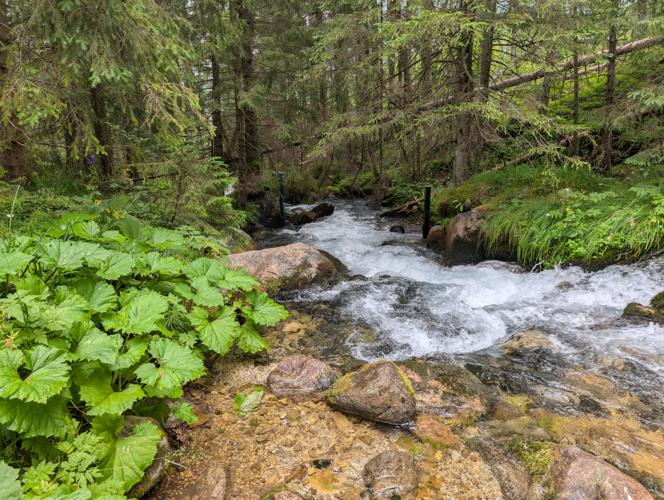
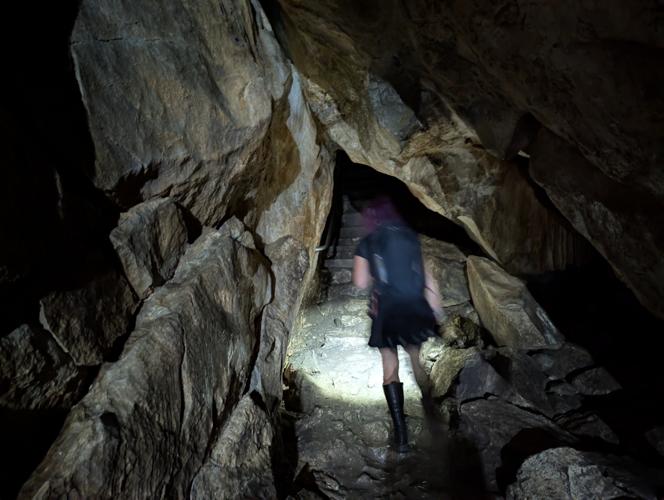
- 03.08.2026: Jaskinia Mroźna / Jaskinia Mylna (caves, rain, and slippery rocks)
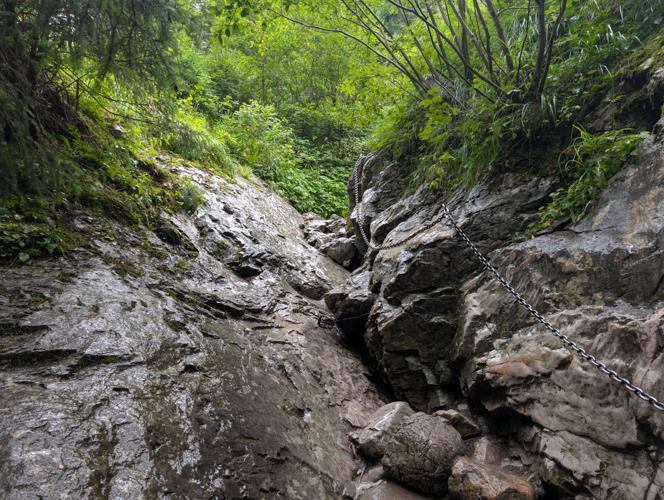
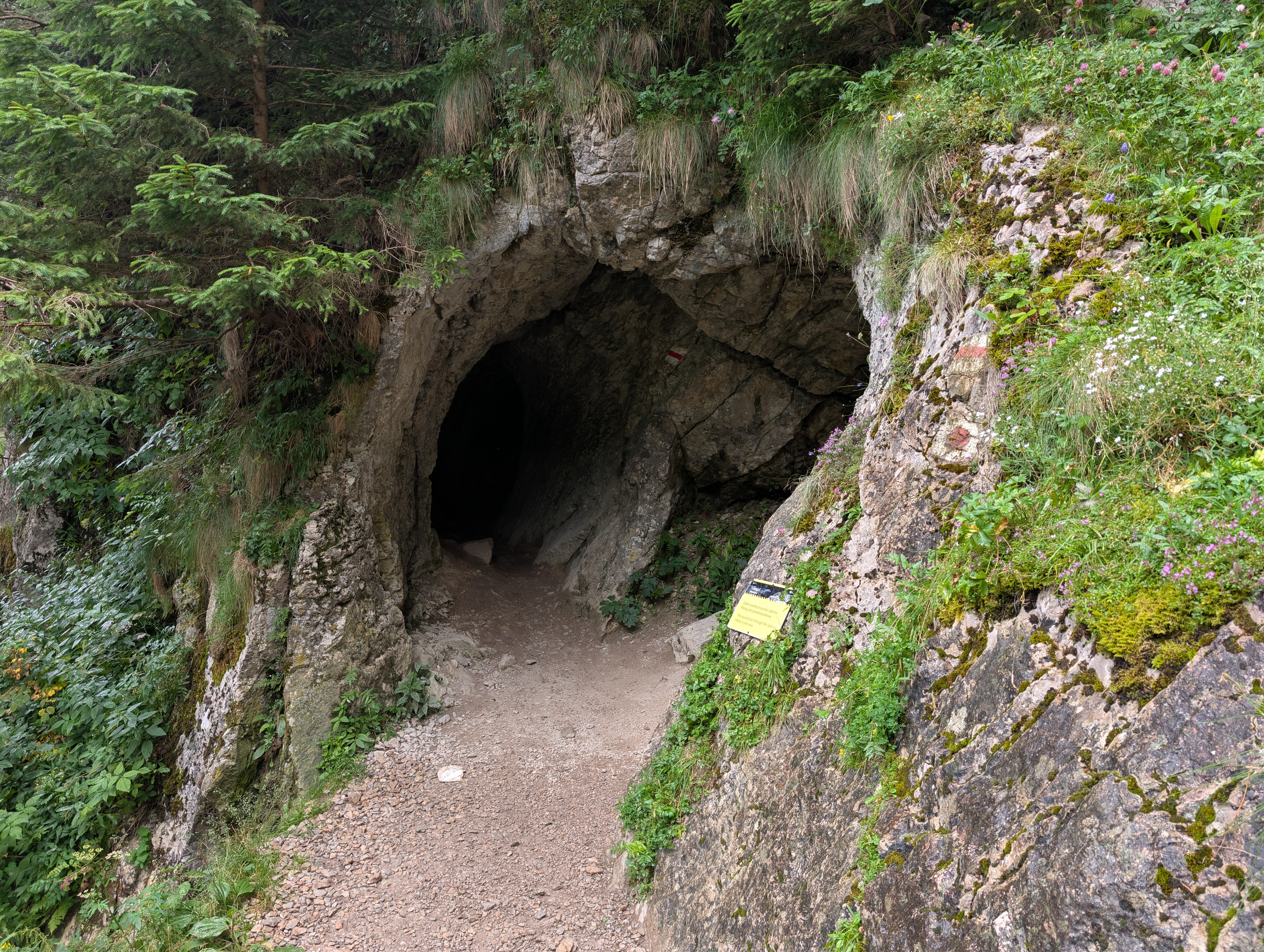
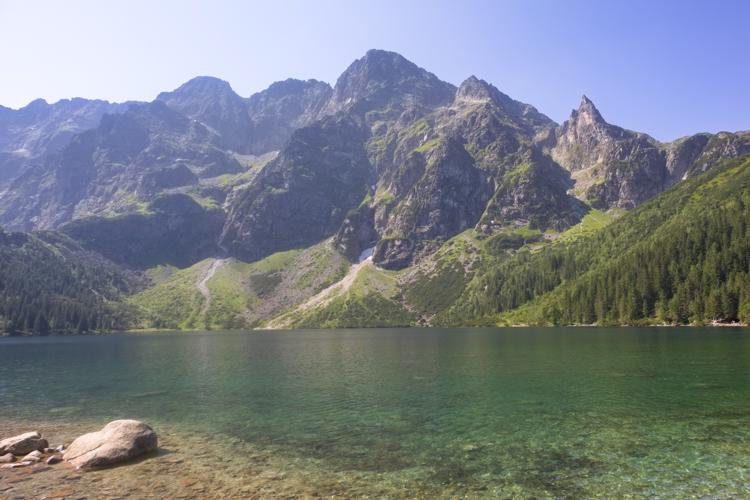
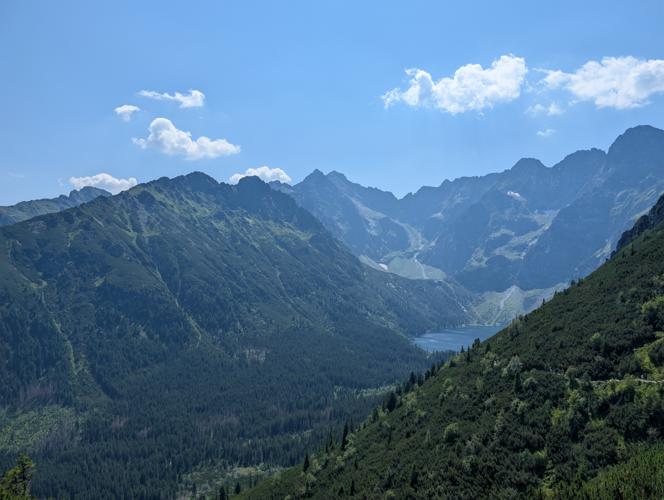
- 04.08.2026: Morskie Oko → Świnica (a day in the High Tatras, and my personal highlight of the trip)
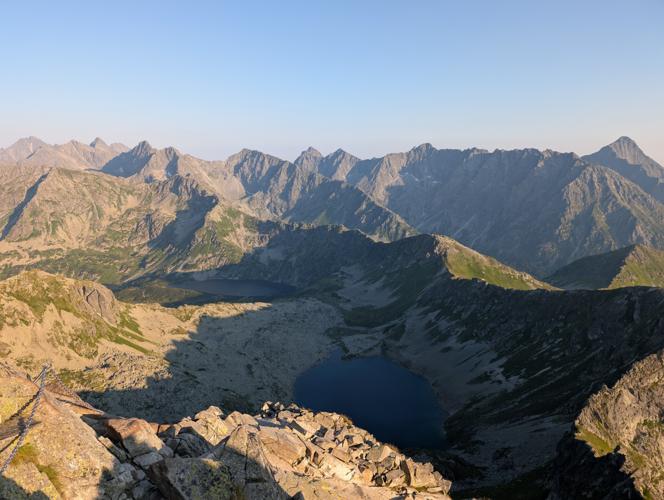
- 05.08.2026: Staników Potok / Dziura (some more Tatra foothills to wind down a bit)
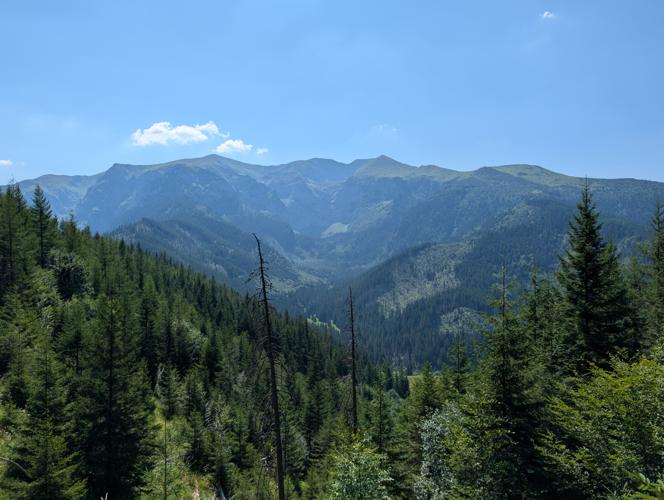
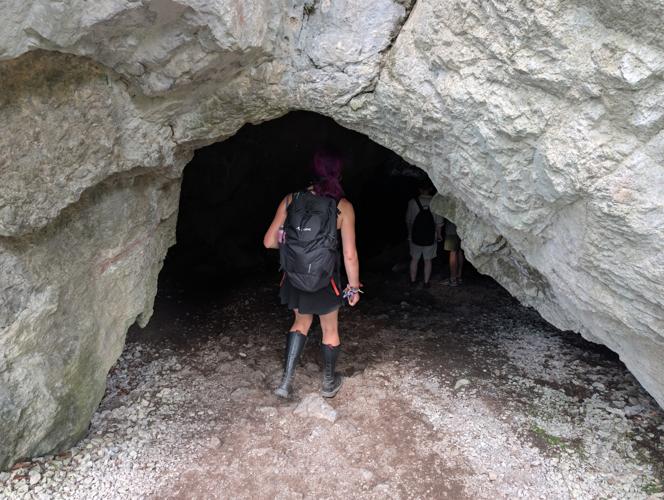
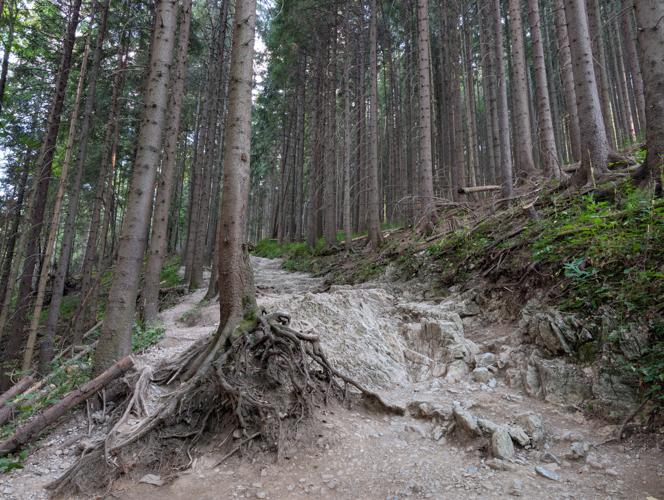
This post is just a collection of how we got there, what I think of Zakopane itself, and how we returned.
Arrival
Compared to Germany, train travel in Poland is… special, at least as far as I am aware. If your journey involves multiple operators (e.g. KD and PKP), you'll need separate tickets for each of them, meaning that passenger rights only apply if you have a change of trains within the authority of a single operator.
In our case, there were a few PKP connections from Wrocław to Zakopane, but we had to use DB and KD trains to get to Wrocław in the first place. We got up at silly o'clock in the morning in order to minimize the risk of missing a connection, and luckily, everything worked out:
- Trilex RE1 Dresden Hbf (05:24) → Zgorzelec (06:54)
- KD D10 Zgorzelec (07:00) → Legnica (08:10)
- KD D11 / “Malachit” Legnica (08:39) → Wrocław Główny (09:24)
- PKP IC “Fałat” Wrocław Główny (10:10) → Bytom (12:05 +11)
- PKP TLK “Osterwa” Bytom (12:32) → Zakopane (16:39)
The TLK (formerly “Tanie Linie Kolejowe” / “cheap train lines”, nowadays “Twoje Linie Kolejowe” / “your train lines”) carriage did not have air conditioning and slightly cramped eight-seat compartments, but you could open the window and see the Tatra mountains in the distance, so that was pretty much fine. You just gotta accept that no matter which PKP train you take, toilet paper and paper towels will likely be out way before the end of the journey.
Getting from Dresden to Zakopane, all the way in the southeastern end of Poland, cost us a total of 46 € (23 € per person):
- 0 € Dresden Hbf → Zgorzelec (Deutschlandticket),
- 69 zł (≈ 16 €) Zgorzelec → Wrocław Główny (KD website), and
- 127.50 zł (≈ 30 €) Wrocław Główny → Zakopane (PKP website).
We booked our PKP ticket a month in advance, which likely helped keep the price down.
Zakopane
I'll let the Wikipedia page do the talking. All I can add is that I really enjoyed the stay there, and that we also had some pretty good food. As a matter of fact, the only aspect that proved somewhat challenging was finding a shop that sells good postcards and not just fridge magnets.
Similar to Karpacz, most restaurants close between 21:00 and 22:00, so you should keep that in mind when planning your hikes. On the upshot, most will still happily accept customers half an hour before closing, so if you're not planning to have a three-course meal you're probably going to be fine. Just keep in mind that Polish cuisine is rather meat-heavy, so it pays off to check the menu beforehand.
I can specifically recommend the following places:
- TuChleb Bistro i Wypieki, Droga Na Bystre 4A: excellent bread (with a wide range of uncommon variants and one daily special), and also a great selection of sweet and savory breakfast pastries.
- Eko Chatka, Droga Oswalda Balzera 21: comfy café on the outskirts of town
- Mała Szwajcaria, Hr. Władysława Zamoyskiego 11: excellent swiss food (at non-swiss prices!), and as an added bonus, they also serve dark Czech beer. We visited them twice, once for Bernese Rösti (sort of like a hash brown), and once for Fondue.
- Kryjówka Italiano, Hr. Władysława Zamoyskiego 4: very good Pizza. You may have to wait for a while if you do not have a reservation.
- Thai Spot, Henryka Sienkiewicza 21: Thai food in a somewhat alternative (but not overly hipster-y) setting, and with a Thai chef.
- Indian Taste Zakopane, Nowotarska 19: Indian chefs, Indian clientèle, and appropriately good (and, if you want, spicy) Indian food.
The town is also large enough to have a municipal bus network – but not large enough for interval time tables, it seems. Some stops are served just every few hours, and the interval between departures can vary wildly over the day. Apart from that, the bus network worked well for us. Tickets are affordable (6 zł for a single trip or so), and buses largely on time.
There is also a sprawling private bus network taking you towards destinations such as Dolina Białki (access to Morskie Oko) or Kościaliska Valley (access to caves such as Jaskinia Mroźna). Those don't really operate according to time tables, but in practice, the service is so frequent that it dosn't matter. They're also a tad more expensive, but not overly so. If I recall correctly, a trip from Zakopane to Dolina Białki costs 15 zł (so less than 4 €) per person.
Tatrzánski Park Narodowy (TPN)
As usual, the Polish side of the Tatras is covered by a national park. Entry costs 16 zł (approx. 4 €) per day, or 55 zł (approx. 13 €) for a 7-dy pass. It co-finances trail maintenance and operation of the Tatra Volunteer Search and Rescue (Tatrzańskie Ochotnicze Pogotowie Ratunkowe / TOPR), which will rescue you free of charge if you have an accident on the Polish side of the Tatras (and does so quite frequently). We bought our passes in advance; you can just add them to your Smartphone's wallet and be done. There are ticket booths at virtually any park entrance, and as long as you don't enter via Morskie Oko or Kuźnice, you likely won't have to wait long if you decide to buy a ticket on the spot instead.
Departure
For our way back, we had the option of either returning the way we came or going via Praha. We opted for the latter, and used the opportunity to spend a few days there before returning to Germany.
- PKP EIP Zakopane (08:31) → Kraków Głowny (10:28 +8)
- EC 114 Kraków Głowny (11:19 +30) → Praha hlavní nádraží (17:52 +30)
On that day, I learnt that EIP means “Express InterCity Premium” and comes with free snacks even in second class. Nifty! It also manages to do Zakopane → Kraków about twice as fast as the TLK train, likely due to a mixture of fewer stops, higher priority, and the fact that it's a Pendolino tilting train.
The EuroCity train, meanwhile, was standard PKP IC rolling stock and our carriage's air conditioning unit absolutely could not deal with the ambient temperatures. Halfway through the journey, we were already pretty well-done. At least ČD staff (once we had crossed the border and the staff had changed from PKP to ČD) tried adjusting the AC a bit and distributed free drinking water.
This part of the return trip cost us a total of 65 € (35 € per person):
- 97.90 zł (≈ 23 €) Zakopane → Kraków Głowny (PKP website), and
- 992 Kč (≈ 42 €) Kraków → Praha hlavní nádraží (ČD / Můj vlak).
Again, we booked the PKP ticket a month in advance – considering the distance, it was still more expensive than the inbound journey. I guess that's an EIP surcharge or just chance.
Travel::Status::MOTIS v0.04
Travel-Status-MOTIS-0.04.tar.gz (signature)
- MOTIS: Use v6 API
- MOTIS::Stop: Add
->parent_idaccessor - MOTIS::Trip: Rename
->route_nameto->display_name(breaking change)
Travel::Status::DE::DBRIS v0.32
Travel-Status-DE-DBRIS-0.32.tar.gz (signature)
- Update rolling stock models and train names (patches by Lili Urban)
- Fix mis-detected rolling stock models for non-german carriages
Flashing Raspberry Pi OS with SSH Enabled
- Flash the SD card as usual
- Mount it
- Create /boot/ssh
- Place your user name and enrypted pasword in /boot/userconf
- Unmount it
For instance, assming that you wanted to create the user "derf":
pmount mmcblk0p1
touch /media/mmcblk0p1/boot/ssh
echo derf:$(openssl passwd -6) > /boot/userconf
pumount mmcblk0p1
Travel::Status::DE::IRIS v2.05
Travel-Status-DE-IRIS-2.05.tar.gz (signature)
- Update station and meta databases
Travel::Status::DE::DBRIS v0.31
Travel-Status-DE-DBRIS-0.31.tar.gz (signature)
- Handle unusually-formatted UIC carriage IDs when requesting carriage formation data.
Travel::Routing::DE::DBRIS v0.13
Travel-Routing-DE-DBRIS-0.13.tar.gz (signature)
- Fix each request being delayed for 10 seconds by Akamai BMP
- New dependencies:
HTTP::Message≥ 6.37 andIO::Uncompress::Brotli≥ 0.004_002
Travel::Status::DE::DBRIS v0.30
Travel-Status-DE-DBRIS-0.30.tar.gz (signature)
- Fix each request being delayed for 10 seconds by Akamai BMP
- New dependencies:
HTTP::Message≥ 6.37 andIO::Uncompress::Brotli≥ 0.004_002 - Update operators and train names (patches by Lili Urban and Thulmi)
Things about RawTherapee I wish I'd have known earlier
All of this is subjective, and your mileage may vary.
- There is a lot you can get out of seemingly over- or under-exposed images.
- Do not use it on a per-file level. Just open the entire directory and edit what you like.
- At least for an EOS M50, the camera's auto white-balance is probably better than trying to get it right manually. Unless you have a white card or wanna go for a special style, of course.
- Copy-pasting (parts of) post-processing configurations can be super helpful, but do be careful.
- Just play around with sliders until you like the result. It's art; there is no right or wrong.
- Some features (like Dynamic Range Compression) will look great on some and horrible on other photos.
- If highlight compression gives you pink image areas, try a different highlight reconstruction method.
- RawTherapee is very conservative about the EXIF tags it exports by defualt.
- .pp3 files are just ini files, and you can easily adjust them to, e.g., include more EXIF tags in the exported JPEG files.
Travel::Status::DE::DBRIS v0.29
Travel-Status-DE-DBRIS-0.29.tar.gz (signature)
- dbris-m: location search: show distances if GIS::Distance is available
- Update operator names (thanks to typingbeaver, Thulmi, and Lili Urban)
Travel::Routing::DE::DBRIS v0.12
Travel-Routing-DE-DBRIS-0.12.tar.gz (signature)
- Segment: adjust for bahn.de-internal API changes
Travel::Status::DE::DBRIS v0.28
Travel-Status-DE-DBRIS-0.28.tar.gz (signature)
- Location: adjust for bahn.de-internal API changes